
Introduction
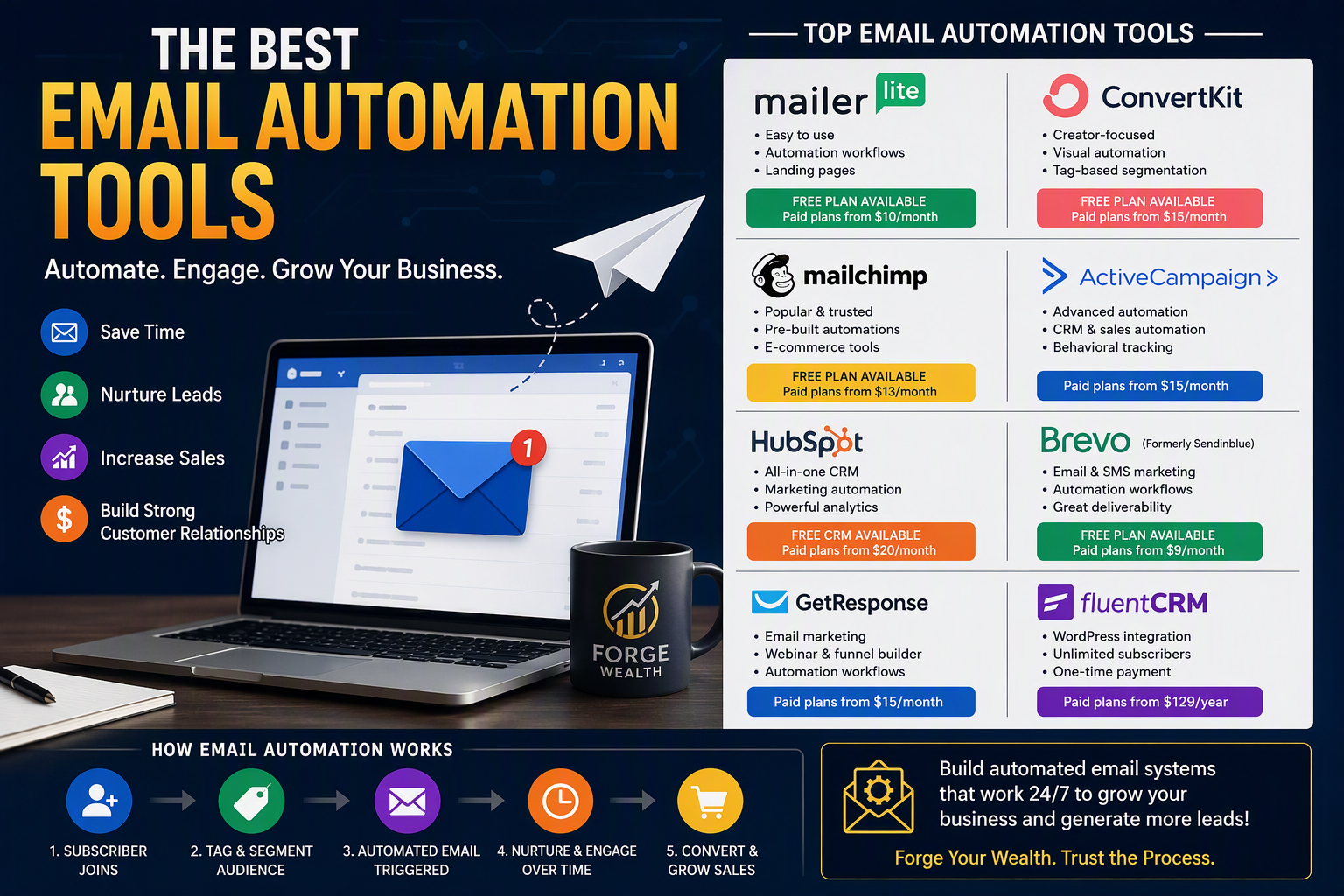
Email marketing continues to be one of the most profitable digital marketing strategies available to businesses today. However, manually sending emails to every subscriber becomes increasingly difficult as your email list grows. Fortunately, email automation tools solve this problem.
These platforms allow businesses to automatically send welcome emails, nurture leads, onboard customers, recover abandoned carts, promote products, and re-engage inactive subscribers—all without manual intervention.
As a result, businesses can save time, improve customer engagement, increase conversions, and scale their operations more efficiently.
Nevertheless, not every email automation platform is created equal.
Some tools are designed for beginners, whereas others cater to advanced marketers and enterprise organizations. Therefore, selecting the right tool depends on your goals, budget, technical skills, and business size.
In this guide, we’ll examine the most popular email automation tools available today, including pricing, strengths, weaknesses, and practical examples of how to use each platform.
1. MailerLite
Website: https://www.mailerlite.com
Best For
- Bloggers
- Small businesses
- Startups
- Beginners
- Content creators
Overview
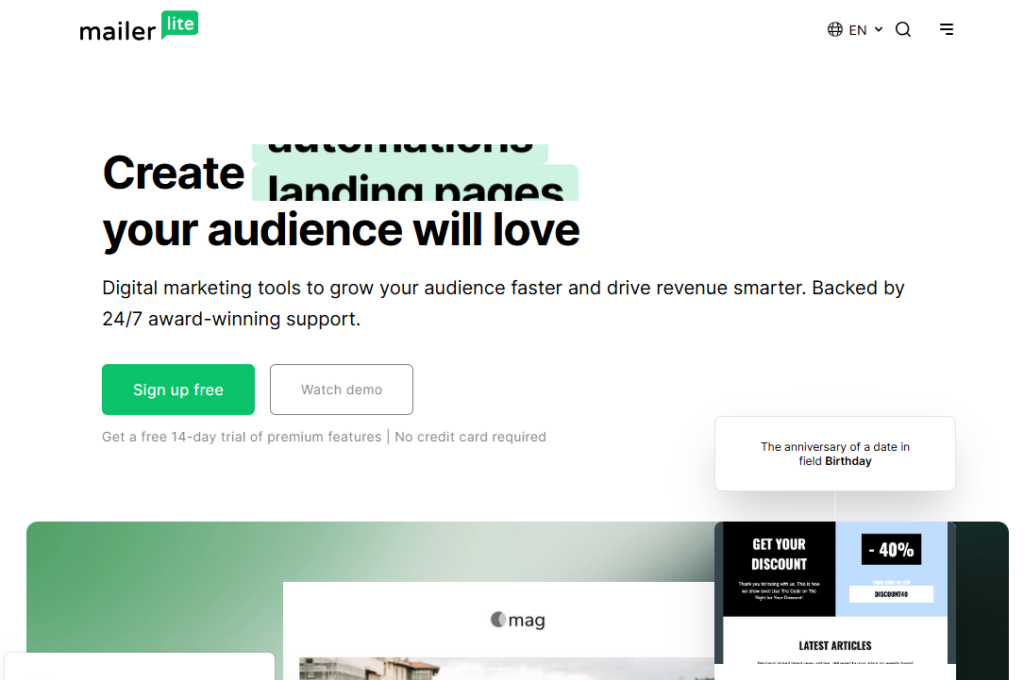
MailerLite has become one of the most popular email marketing platforms because it combines powerful features with simplicity.
Unlike many enterprise-level platforms, MailerLite focuses on ease of use. Consequently, it is an excellent choice for business owners who want to launch email automation without a steep learning curve.
Key Features
✅ Email automation
✅ Landing pages
✅ Email newsletters
✅ Signup forms
✅ Subscriber segmentation
✅ Popups
✅ A/B testing
✅ Email reporting
Pricing (Approximate)
Free Plan
- Up to 1,000 subscribers
- Limited monthly sends
- Basic automation
Growing Business Plan
- Starts around $10–$15/month
- Advanced automation
- Unlimited emails
Advanced Plan
- Starts around $20+/month
- Advanced reporting
- Smart sending
- Enhanced automation
How to Use MailerLite
Step 1
Create an account.
Step 2
Create a subscriber group:
Personal Finance Subscribers
Step 3
Create a signup form.
Step 4
Create automation:
Subscribe
↓
Welcome Email
↓
Wait 2 Days
↓
Investment Tips Email
↓
Wait 3 Days
↓
Financial Guide Offer
Step 5
Activate workflow.
From that point onward, MailerLite handles everything automatically.
Pros
- Affordable
- Easy setup
- Excellent automation builder
Cons
- Advanced CRM features are limited
2. ConvertKit (Kit)
Website: https://kit.com
Best For
- Bloggers
- Newsletter creators
- Coaches
- YouTubers
- Digital product sellers
Overview
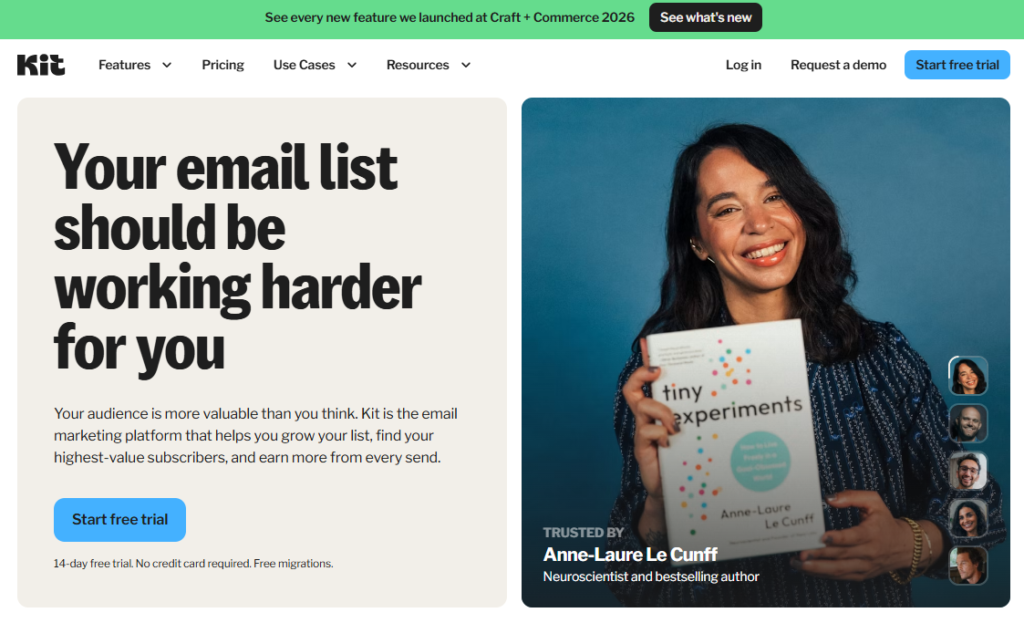
ConvertKit (recently rebranded as Kit) was built specifically for creators.
Therefore, if your goal is to build an audience and monetize through content, courses, memberships, or digital products, ConvertKit is one of the strongest options available.
Key Features
✅ Visual automation builder
✅ Creator-focused landing pages
✅ Subscriber tagging
✅ Broadcast emails
✅ Email sequences
✅ Product selling tools
✅ Newsletter monetization
Pricing (Approximate)
Free Plan
- Up to 10,000 subscribers
- Basic email tools
Creator Plan
- Starts around $25–$35/month
Creator Pro
- Starts around $50–$80/month
Pricing increases as your subscriber list grows.
How to Use ConvertKit
Example ForgeWealth Funnel
Free Wealth Guide Download
↓
Welcome Email
↓
Day 2: Investing Basics
↓
Day 4: Emergency Fund Guide
↓
Day 7: Crypto Beginner Guide
↓
Day 10: Premium Offer
ConvertKit makes this process incredibly visual.
Rather than configuring complicated settings, users simply drag and connect automation elements.
Pros
- Excellent for content creators
- Simple automation builder
- Strong segmentation
Cons
- More expensive than MailerLite
3. Mailchimp
Website: https://mailchimp.com

Best For
- Ecommerce stores
- Small businesses
- Marketing teams
Overview
Mailchimp is one of the oldest and most recognized names in email marketing.
As a result, it integrates with thousands of tools and platforms.
Although competitors have introduced more advanced automation features, Mailchimp remains a solid choice for many businesses.
Key Features
✅ Email automation
✅ Customer journeys
✅ CRM functionality
✅ Analytics
✅ Templates
✅ Audience segmentation
✅ Ecommerce integration
Pricing (Approximate)
Free Plan
- Limited contacts
- Basic templates
- Basic automation
Essentials
- Around $13–$20/month
Standard
- Around $20–$30+/month
Premium
- Starts around $350/month
Example Workflow
Subscriber Signs Up
↓
Welcome Email
↓
Product Education
↓
Case Study Email
↓
Sales Offer
Pros
- Well established
- Large integration library
- Excellent templates
Cons
- Can become expensive
- Automation less intuitive than some competitors
4. ActiveCampaign
Website: https://www.activecampaign.com
Best For
- Growing businesses
- High-level marketing automation
- Advanced users
Overview
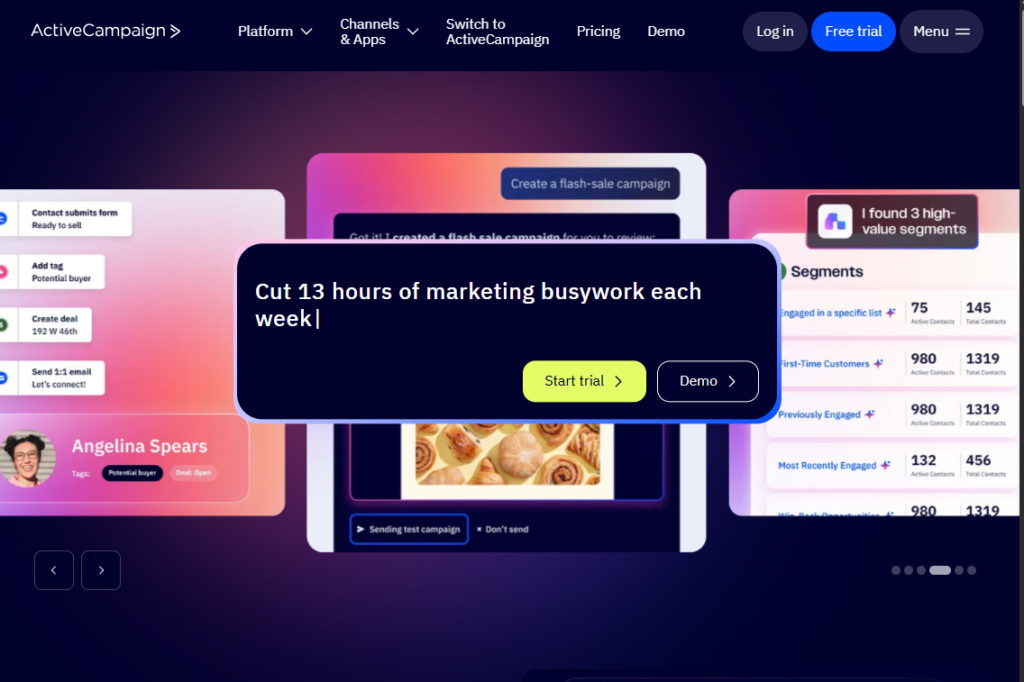
ActiveCampaign is often considered one of the most powerful email automation tools available.
Unlike simpler platforms, ActiveCampaign combines email marketing, CRM, SMS marketing, lead scoring, and deep behavioral automation.
Consequently, businesses can create highly personalized customer journeys.
Key Features
✅ Advanced workflows
✅ CRM integration
✅ Lead scoring
✅ Dynamic personalization
✅ Behavioral tracking
✅ Email automation
✅ Sales automation
Pricing (Approximate)
Starter
- Around $15–$20/month
Plus
- Around $50–$80/month
Pro
- Around $80–$150+/month
Enterprise
- Custom pricing
Example Automation
Subscriber Downloads Ebook
↓
Lead Score +10
↓
Visits Pricing Page
↓
Lead Score +20
↓
Send Special Offer
↓
Notify Sales Team
This type of automation is where ActiveCampaign truly shines.
Pros
- Industry-leading automation
- Excellent segmentation
- Advanced personalization
Cons
- Learning curve
- More expensive
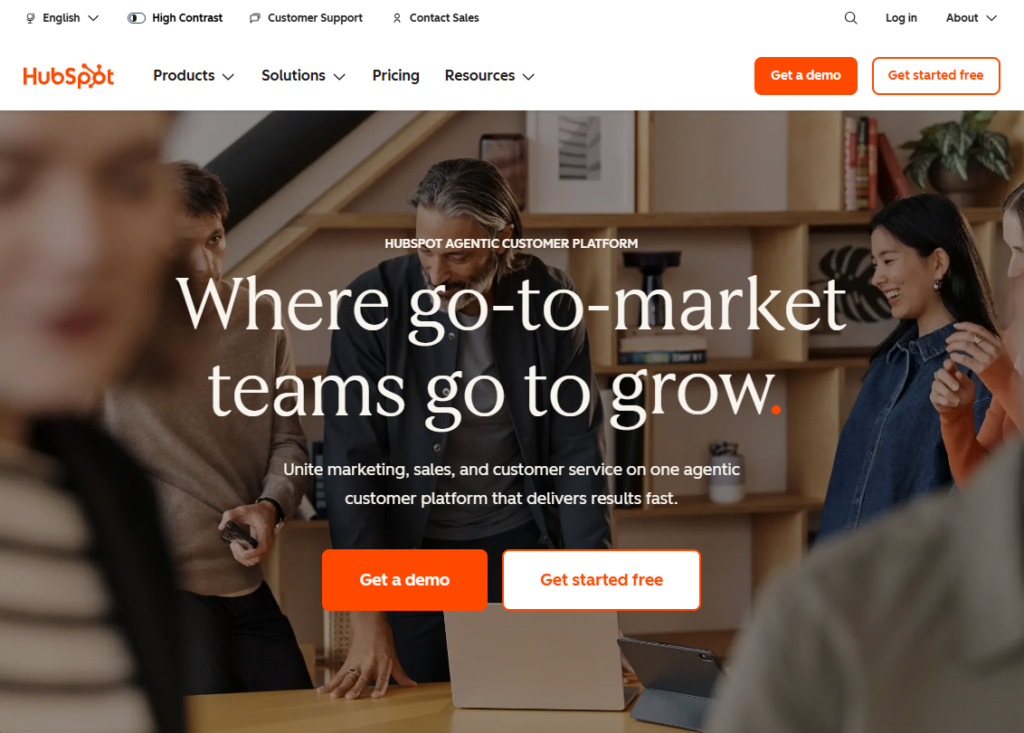
5. HubSpot
Website: https://www.hubspot.com
Best For
- B2B companies
- Growing businesses
- Enterprise organizations
Overview
HubSpot is not just an email marketing platform.
Instead, it is a complete customer relationship management ecosystem.
Consequently, businesses can manage:
- Marketing
- Sales
- Customer support
- Customer relationships
from a single platform.
Key Features
✅ CRM
✅ Email marketing
✅ Automation workflows
✅ Lead nurturing
✅ Customer tracking
✅ Reporting dashboards
✅ Sales pipeline management
Pricing (Approximate)
Free CRM
- Available
Starter
- Around $20–$30/month
Professional
- Hundreds of dollars monthly
Enterprise
- Thousands annually
Example Workflow
Lead Downloads Guide
↓
Lead Nurture Campaign
↓
Qualified Lead
↓
Sales Call Scheduled
↓
Customer Onboarding
Pros
- Complete business platform
- Excellent reporting
- Scalable
Cons
- Can become expensive very quickly
6. Brevo (Formerly Sendinblue)
Website: https://www.brevo.com
Best For
- Service businesses
- Ecommerce
- Small businesses
Overview
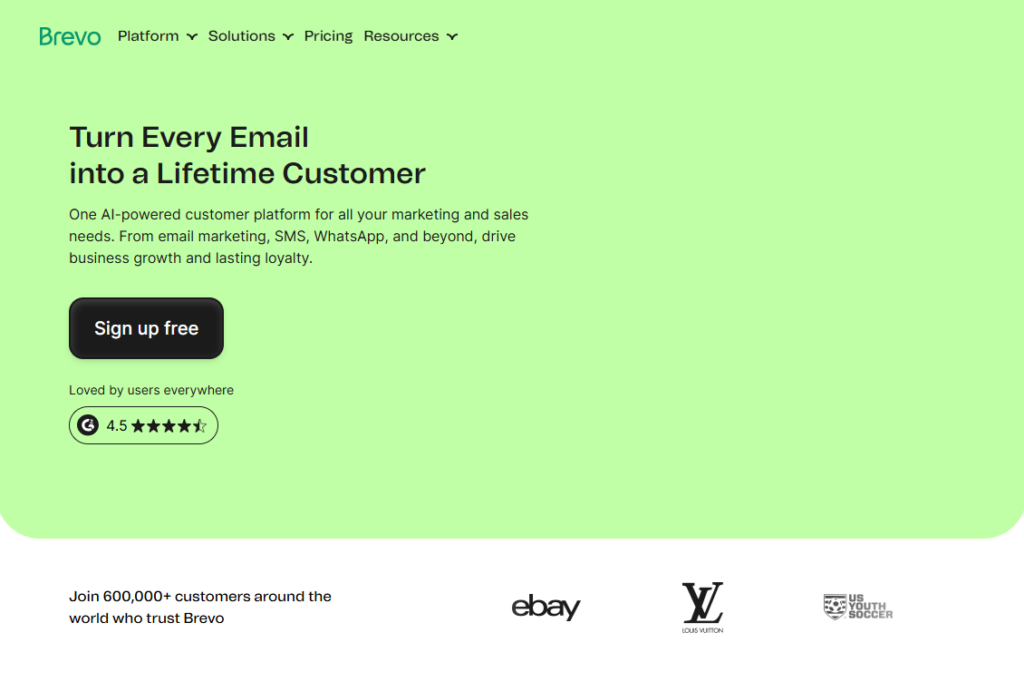
Brevo stands out because it combines email marketing with SMS marketing.
Therefore, businesses can engage customers across multiple communication channels.
Key Features
✅ Email automation
✅ SMS automation
✅ CRM
✅ Landing pages
✅ Chat tools
✅ Transactional emails
Pricing (Approximate)
Free Plan
- Limited daily sends
Starter
- Around $9–$20/month
Business Plan
- Around $20–$70/month
Typical Workflow
Customer Joins List
↓
Welcome Email
↓
Educational Series
↓
SMS Offer
↓
Sales Campaign
Pros
- Affordable
- SMS integration
- Strong automation
Cons
- Email editor less polished than competitors
7. GetResponse
Website: https://www.getresponse.com
Best For
- Course creators
- Ecommerce stores
- Lead generation campaigns
Overview
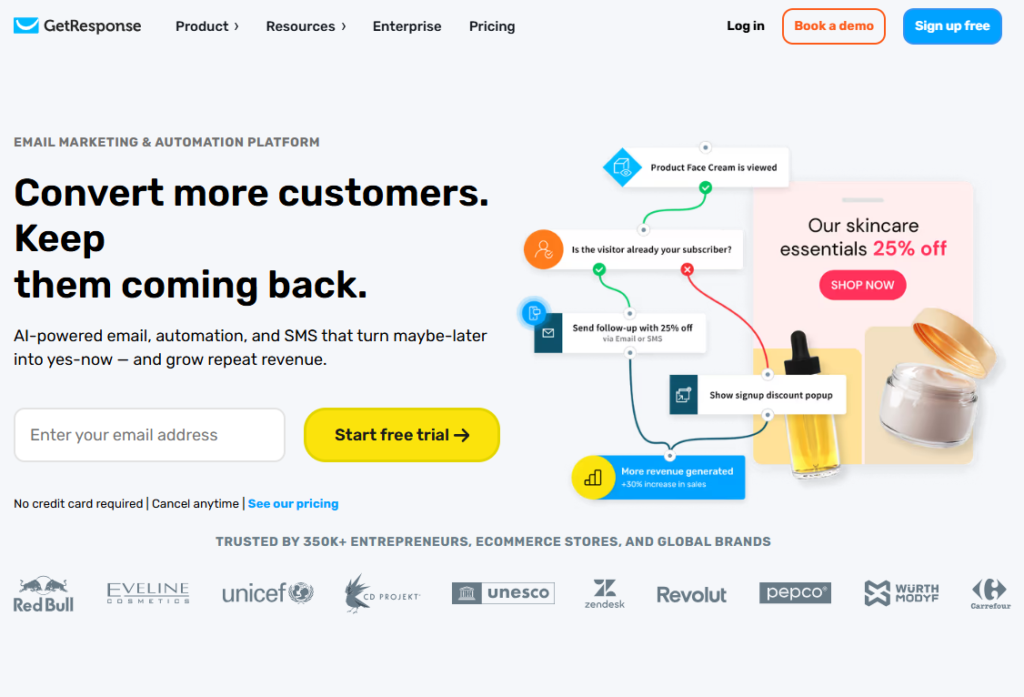
GetResponse goes beyond email marketing by including webinar tools and sales funnel builders.
Therefore, it is especially useful for businesses using educational marketing.
Key Features
✅ Email automation
✅ Webinar hosting
✅ Funnel builder
✅ Landing pages
✅ Ecommerce tools
Pricing (Approximate)
Starter
- Around $15–$25/month
Marketer
- Around $40–$60/month
Creator
- Around $50–$80/month
Example Workflow
Webinar Signup
↓
Confirmation Email
↓
Reminder Emails
↓
Attend Webinar
↓
Special Offer
Pros
- Webinar platform included
- Strong funnels
- Excellent lead generation
Cons
- Interface can feel overwhelming initially
8. FluentCRM
Website: https://fluentcrm.com
Best For
- WordPress websites
- Bloggers
- Membership sites
- Course creators
Overview
If you’re running ForgeWealth on WordPress, FluentCRM deserves serious consideration.
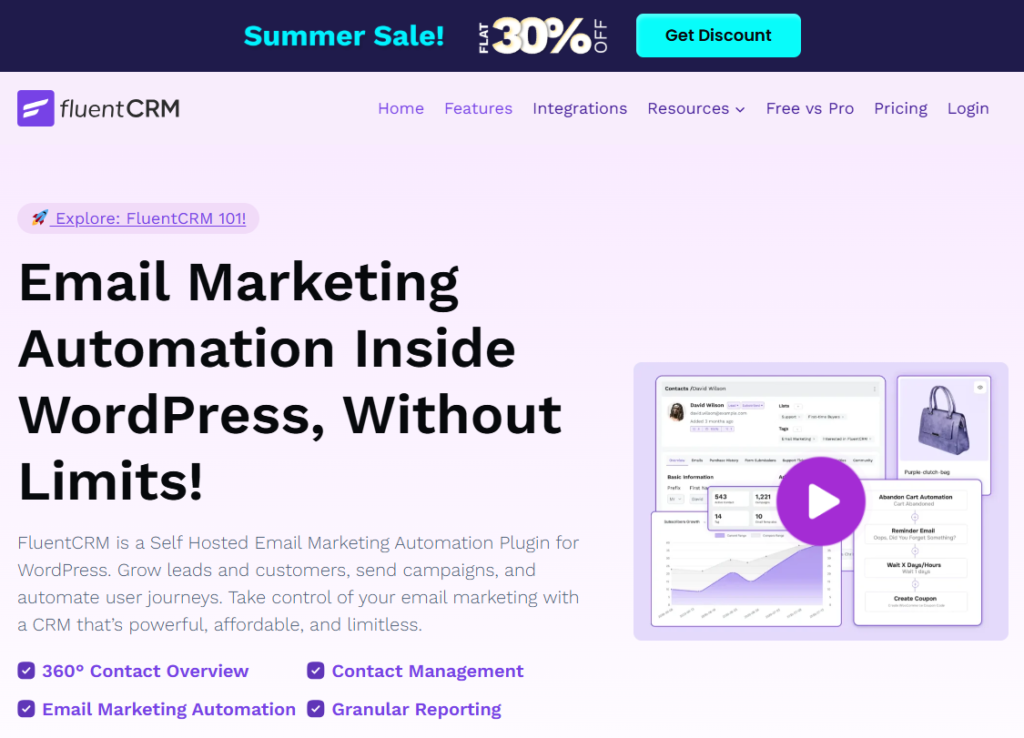
Unlike cloud-based platforms, FluentCRM runs directly inside your WordPress dashboard.
As a result, you own your customer data completely.
Key Features
✅ WordPress integration
✅ Email automation
✅ CRM functionality
✅ Email sequences
✅ Tag management
✅ Performance tracking
Pricing (Approximate)
Single Site License
- Around $129/year
Multi-Site License
- Around $249/year
Agency License
- Around $499/year
Unlike many providers, FluentCRM does not charge based on subscriber count.
Therefore, it can become extremely cost-effective as your audience grows.
Final Thoughts
The best email automation tool depends entirely on your goals.
If you’re just getting started, MailerLite or ConvertKit are excellent choices. Meanwhile, if you want sophisticated automation and behavioral tracking, ActiveCampaign offers some of the strongest capabilities on the market.
For ForgeWealth specifically, I would recommend:
- MailerLite (easiest start)
- FluentCRM (best long-term WordPress solution)
- ConvertKit (best creator-focused platform)
Ultimately, the most successful email marketing strategy isn’t determined by the software alone. Rather, success comes from consistently providing valuable content, nurturing leads thoughtfully, and building trust with your audience over time.
“Email automation doesn’t replace human connection—it helps you scale it.”
Related Articles
AI Technology Which Careers Are Safe in the Age of Automation? – Forgewealth.org
The Most Common Crypto Scams in 2026 and How to Avoid Them. – Forgewealth.org




vwynsvehvkxsfztuekdkhrgikowgsg
uneqkwsvdvgsjgenhjvvjjmihmtulo